All your Mods. One workflow.
Supercharge your setup with a curated mod library, one‑click installs, and in‑game optimization. Less manual work, more mods that work seamlessly.
4.9/5 Rating
2,000,000+
Downloads

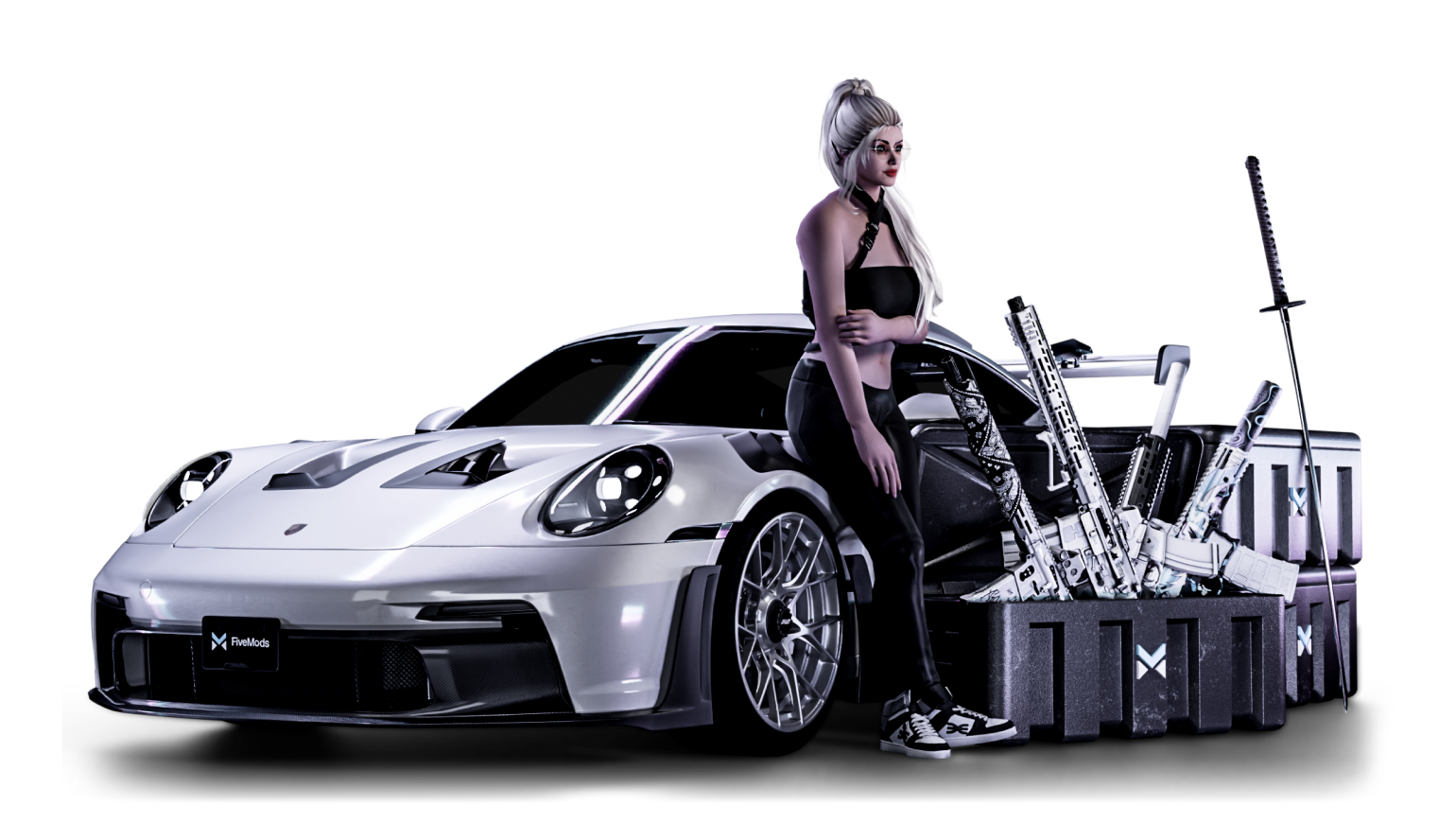
Your mods. One smooth workflow
Frequent questions
Can I use Fivemods for free?
Yes. You can use Fivemods for free and try the core workflow with community mods from the library. Premium mods and faster downloads without queues are available in Fivemods Plus.
Can I use Fivemods on all multiplayer servers?
Fivemods does not include or support cheats or any other content intended to give gameplay advantage. Some servers restrict all modifications, so please check server rules before using mods.
Besides mods, how does optimization help?
Optimization tools let you adjust advanced game settings and performance options such as render distance, object density, weather toggles (snow/rain), shadows, particles, fog, glare, and rays, and grass. FPS gains depend on your PC and setup; in some scenarios, you can see a significant uplift (depends on your PC).
How do I install mods?
Mods are installed automatically through the app; in some cases, you should pick the precise game folder to install them. For example, if you have both GTA 5 Legacy and GTA 5 Enhanced installed, select the correct game folder in settings so mods go to the right version.
Can I use Fivemods with other third‑party mods?
Yes. You can use mods from the Modifications section alongside third‑party graphics packs. Note: optimization features may not be available in this setup. Other mods may also work, but full compatibility isn’t guaranteed, so testing is recommended.